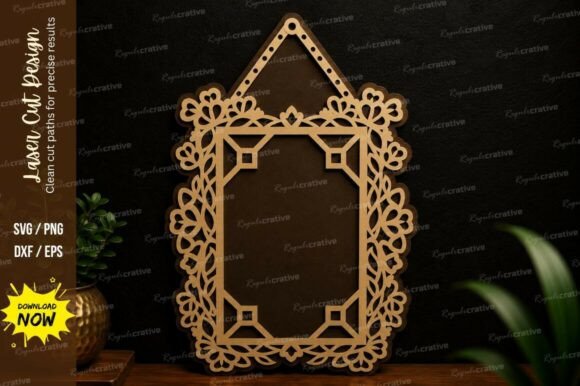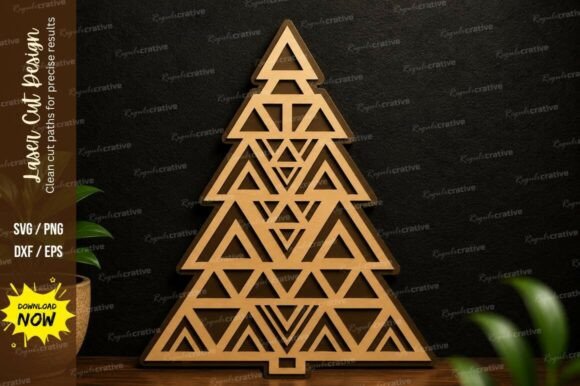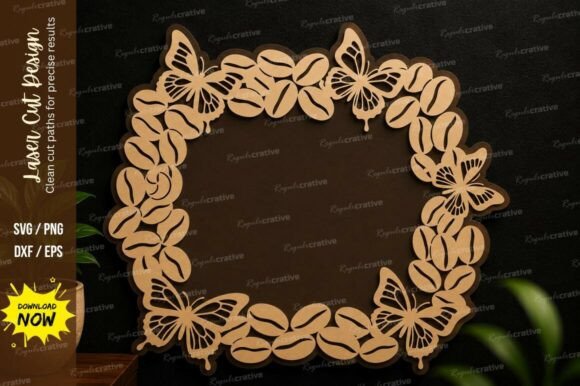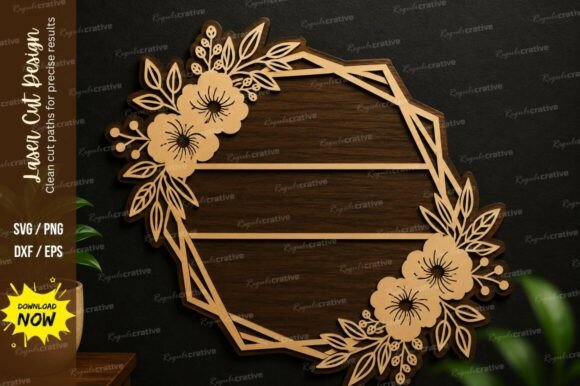
Mastering Precision with Square Text Frame Laser Cut SVG Cutting Files
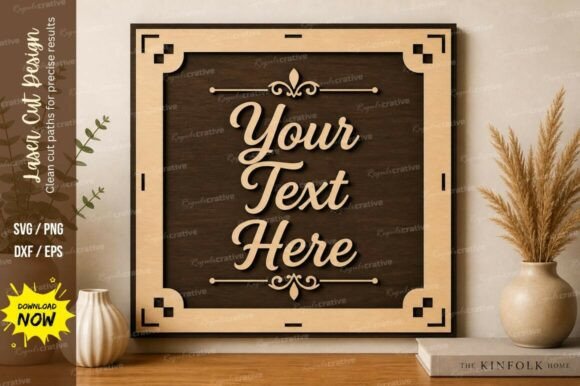
There is a distinct satisfaction in watching a laser cutter trace a perfect line through wood or acrylic, turning a digital concept into a tangible object. For creators working on signage, wedding decor, or custom home accents, the Square Text Frame Laser Cut Svg Cutting design has become a staple. It offers a clean, modern aesthetic that frames quotes, names, or dates beautifully. However, the difference between a professional-grade finished product and a warped, broken mess often comes down to the quality of the source file and how it is prepared. Many enthusiasts rush to download the first free file they find, only to encounter issues during the cutting process that could have been easily avoided with a more discerning approach.
When you invest time in a project, the last thing you want is for the machine to stutter over overlapping lines or for the material to burn because the vector paths weren't optimized. A premium quality laser cutting design file set is not just about having an image; it is about having a tool engineered for smooth and precise cutting. This package typically includes multiple popular formats such as SVG, EPS, PNG, and DXF, ensuring compatibility with a wide range of laser cutting machines and design software like LightBurn, Illustrator, or CorelDRAW. Understanding why these formats matter and how to vet your files can save you significant material costs and frustration.
Common Pitfalls in File Selection and Preparation
One of the most frequent mistakes beginners and even experienced makers make is assuming all vector files are created equal. A design that looks perfect on your screen might be a nightmare for your laser cutter if the underlying geometry is flawed. Often, low-quality downloads contain open paths, duplicate lines, or non-vector elements disguised as vectors. When you send these to your machine, the laser head may make unnecessary moves, burning the material or creating rough edges where a smooth cut was expected.
Another overlooked detail is the lack of format variety. Relying solely on a PNG file for cutting is a recipe for disaster. While PNGs are great for previewing, they are raster images made of pixels. If you try to cut based on a pixel map, the laser will attempt to engrave every single dot, resulting in excessive run times and poor edge quality. A robust file set provides true vector formats like SVG and DXF. These define shapes using mathematical paths, allowing the laser to follow a continuous line. Without these, you lose the ability to resize your project without losing quality, limiting your creative flexibility.
Furthermore, many users neglect to check the scale and unit settings before cutting. A square text frame designed in inches might open in your software as millimeters, shrinking your project to a fraction of its intended size. Conversely, scaling up a low-resolution file to fit a large wall sign can reveal jagged edges that ruin the professional look. This is why starting with a high-quality, clean vector design is crucial. It ensures that whether you are making a small coaster or a large foyer sign, the lines remain crisp and the corners sharp.
Optimizing Your Workflow for Better Results
To avoid these common setbacks, it is essential to adopt a checklist approach before hitting the "start" button on your machine. First, always inspect the file in your design software. Look for any stray points or overlapping lines that could cause the laser to dwell in one spot too long. Premium files are usually "cleaned" by the designer, meaning nodes are minimized, and paths are closed properly. This attention to detail translates directly to efficiency; your machine runs faster, uses less power, and produces cleaner cuts.
Material compatibility is another area where mistakes happen. A design intended for 3mm plywood might not hold together well if cut from 6mm acrylic without adjusting the tab sizes or joint tolerances. The beauty of a versatile Square Text Frame Laser Cut Svg Cutting file is its adaptability. Because it is easy to resize without losing quality, you can tweak the dimensions to suit different materials, whether it is wood, acrylic, metal, or paper for DIY projects. However, you must adjust your power and speed settings accordingly. What works for birch plywood will scorch MDF or fail to cut through clear acrylic.
Consider the end use of your project when selecting your file. If you are creating a product to sell, consistency is key. Using a premium design file set ensures that every unit you produce looks identical, maintaining your brand's reputation. In contrast, using inconsistent or poorly constructed files can lead to variations in fit and finish, which customers will notice. For entrepreneurs and small business owners, the cost of a high-quality file is negligible compared to the cost of wasted materials and lost customer trust.
What to Check Before You Cut
Before you commit your material, take a moment to verify the following aspects of your chosen design:
- File Format Integrity: Ensure you have access to vector formats like SVG, EPS, or DXF. Avoid relying on PNGs for the actual cutting path.
- Path Continuity: Zoom in on the corners of the square frame. Are the lines connected? Gaps can cause the laser to stop and start, leaving burn marks.
- Scale Verification: Measure a known dimension in your software to confirm the file is at the correct scale (e.g., 100% or 1:1).
- Software Compatibility: Test importing the file into your specific workflow. Does it open correctly in LightBurn or your preferred CAD program?
- Layer Organization: Good files often separate cut lines from engrave lines onto different layers or colors, streamlining your setup process.
By taking these precautions, you transform the cutting process from a gamble into a predictable, repeatable success. The goal is to spend more time creating and less time troubleshooting. A well-prepared file allows you to focus on the finishing touches—sanding, painting, or assembling—rather than fixing errors that originated in the digital stage.
Ultimately, the Square Text Frame Laser Cut Svg Cutting design is more than just a shape; it is a foundation for your creativity. Whether you are a hobbyist making gifts for friends or a professional fulfilling client orders, the quality of your input dictates the quality of your output. Choosing a premium quality laser cutting design file set that is ready for laser cutting and engraving provides peace of mind. It guarantees that your machine can perform at its best, delivering the precision and elegance that modern laser projects demand. With the right files and a careful approach, you can unlock the full potential of your equipment and bring your visions to life with confidence.